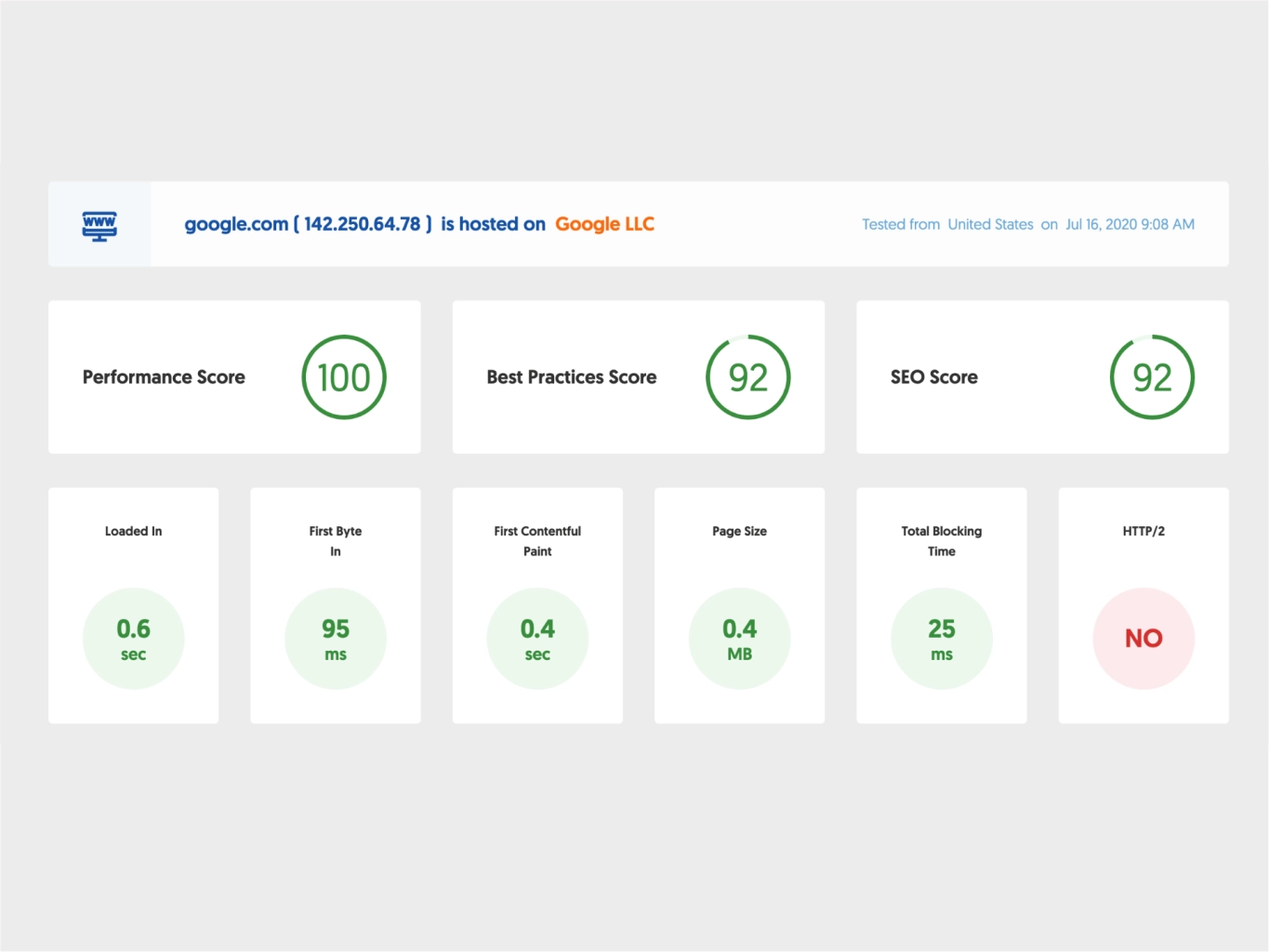
In today’s digital world, people expect websites to load in seconds. When a site is slow, visitors leave quickly and rarely come back. A simple website speed test helps you find what is slowing your page and shows you how to fix it.
Why Website Speed Matters
Fast websites offer a better user experience and keep visitors on the page longer. In addition, search engines prefer faster sites, so good speed can improve your ranking. As a result, improving performance can directly increase leads and sales for your business.
How to Run a Website Speed Test
First, choose a reliable speed testing tool such as PageSpeed Insights or GTmetrix. Then enter your website URL and run the test. The report will show load time, performance score, and key issues that need attention, like large images or render‑blocking scripts.
Common Reasons Sites Become Slow
Often, slow loading happens because images are not compressed or are much larger than necessary. Furthermore, too many plugins, heavy themes, and unoptimized code can delay the first contentful paint. Sometimes poor hosting or overloaded servers also create serious delays.
Simple Ways to Fix a Slow Site
To begin, compress and resize all images before uploading them. Next, remove unused plugins and features you do not really need. You can also enable browser caching and use a content delivery network to serve files from locations closer to your visitors. Finally, consider upgrading to better hosting if your current server is frequently overloaded.
When to Get Professional Help !
If your site remains slow after basic changes, it may need deeper optimization. In that case, a professional web team can review your code, server configuration, and database. With expert support, you can achieve a faster, more stable website that improves both user experience and SEO.